


Skip to content
UpdateWelcome to Rotary Club of Abuja Three Arms Zone.
Abuja Three Arms

Our Projects

Current and completed service projects.

Purposeful Service

Projects with purpose

This page highlights the club projects that improve lives, strengthen institutions, and create shared responsibility in the community.

Visitors can explore project highlights, photos, outcomes, partner acknowledgements, and clear opportunities to support or participate.

Rotary International Service Framework • Project Categories

Rotary's Seven Service Focus Areas

Through these seven avenues of service and project categories, Rotary members tackle persistent community challenges by planning and carrying out sustainable, high-impact projects locally in Abuja and across the globe.

Promoting Peace

Promoting Peace

Peacebuilding & Conflict Prevention

Encouraging dialogue, conflict prevention, community mediation, and peace fellowships.

Fighting Disease

Fighting Disease

Disease Prevention & Treatment

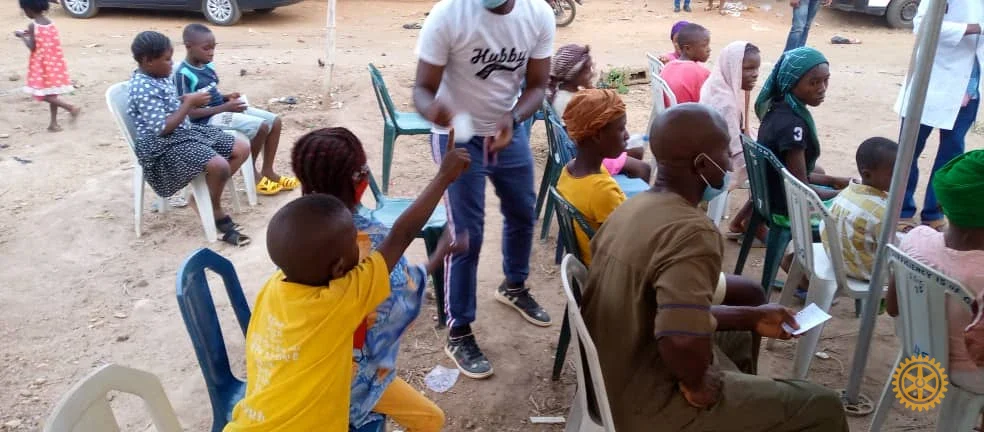
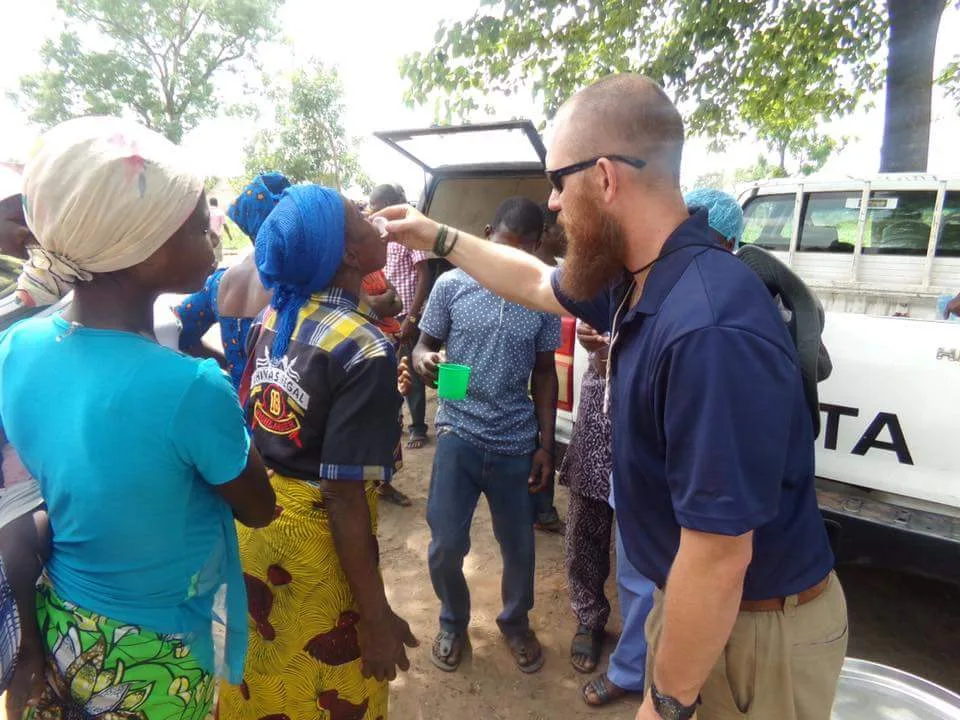
Expanding healthcare access, organizing medical outreaches, and working to end polio.

Providing Clean Water

Providing Clean Water

Water, Sanitation & Hygiene (WASH)

Constructing boreholes, expanding sanitation facilities, and teaching hygiene practices.

Saving Mothers & Children

Saving Mothers & Children

Maternal & Child Health

Improving maternal health, pediatric nutrition, and prenatal care in vulnerable communities.

Supporting Education

Supporting Education

Basic Education & Literacy

Empowering youth through literacy drives, school upgrades, digital access, and scholarships.

Growing Local Economies

Growing Local Economies

Community Economic Development

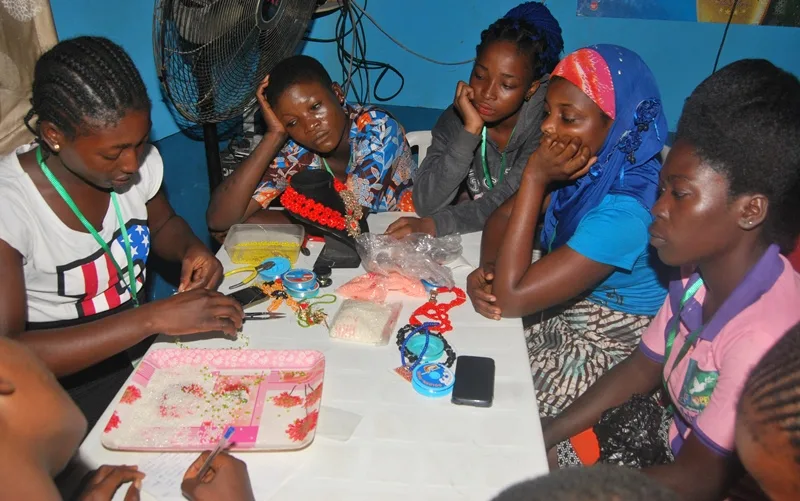
Building vocational capacity, financing entrepreneurship, and promoting economic self-reliance.

Protecting the Environment

Protecting the Environment

Environmental Conservation

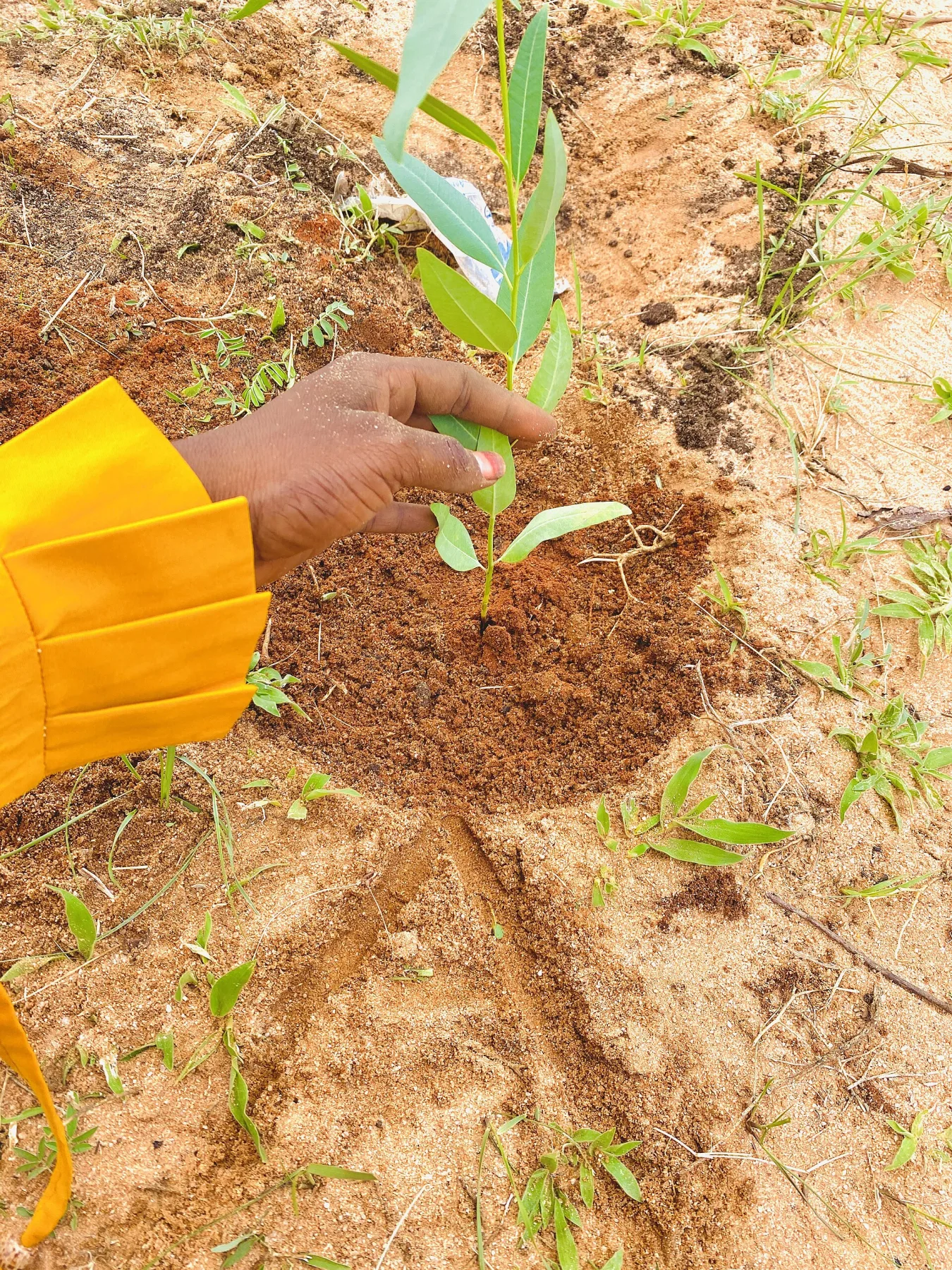
Planting trees, conducting cleanups, conserving natural resources, and advocating climate resilience.

Take the next step

Turn interest into action

Join an upcoming activity or begin a conversation about supporting community impact.

Chat with us
shown total matches

Install Club App

Secure web app

Ready for 1-Click Install Instant

Fast, secure, and installs directly to your home screen or desktop.

Add a safe Home screen shortcut

When a user selects Samsung Internet's app-install option, this browser version creates an Android package that Play Protect rejects. This site therefore offers Samsung users a browser shortcut; it opens the same live website without installing an APK.

1 Tap the Samsung Internet menu .
2 Choose Add page to, then Home screen. If Android offers Install app, cancel that option.

The shortcut always opens current content from this secured website and cannot trigger the blocked Android package.

Installing from Chrome or another supported browser
1 Tap your browser menu ().
2 Select "Install app" or "Add to Home screen".

Apple iOS requires installing through Safari:

1
Tap the Share button

Look for the share icon in the Safari bottom bar (or top right on iPad).

2
Select "Add to Home Screen"

Scroll down the sharing options and tap Add to Home Screen.

3
Tap "Add" in the top right corner

The Rotary Club icon will appear directly on your home screen!

On Windows, Mac, or Chromebook:

1
Look for the Install button in your address bar

In Chrome, Edge, or Brave, an install icon appears on the right side of the address bar.

2
Click "Install" to create a desktop app

The app runs in its own window without browser tabs, and can be pinned to your taskbar or dock.

Automatic website updates

The installed web app checks for new site code when it opens, returns online, and periodically while it is in use. Published stories, events, and notices continue to load from the live website.

Rotary Club of Abuja Three Arms Zone